

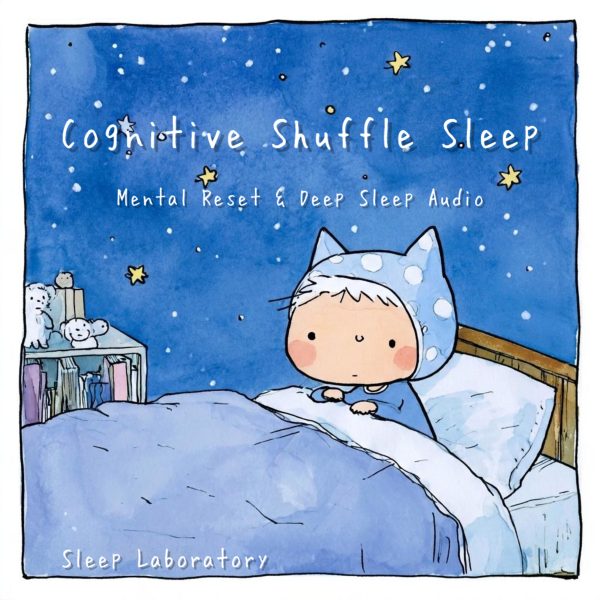
Cognitive Shuffle Sleep: Mental Reset & Deep Sleep Audio
- Episodios
- 4
- Se publica
- a diario
- Último episodio
- 23 Nov 2026
Sobre el podcast
Thank you for your hard work today. This is the main session (Night 1) of the "Cognitive Shuffle Sleep Method," using random words and 10-second pauses to quiet your mind and guide you into natural sleep. 💡 Tips for Listening - Don't repeat the words or connect them; just visualize them passing by like flashcards. - Adjust the app's playback speed if the 10-second pauses feel too long or you prefer another pace. Get comfortable and gently prepare for sleep. Before you know it, you'll be drifting into deep, restful sleep... Good night.
Episodios 4
[Start Here] What is the Cognitive Shuffle Sleep Method? (Tips for Listening)
This introductory episode explains the "Cognitive Shuffle Sleep Method"—a gentle way to reset your racing thoughts on sleepless nights—and how to get the most out of this podcast.We share tips on how to simply …
Notas del episodio
This introductory episode explains the "Cognitive Shuffle Sleep Method"—a gentle way to reset your racing thoughts on sleepless nights—and how to get the most out of this podcast.We share tips on how to simply let the words pass like flashcards as mere visuals, without repeating or overthinking them, as well as how to use playback speed to fit your personal tempo.Please give this a listen before diving into the main sessions.
Podcasts similares
Más podcasts de Salud y forma física





¿Es tu podcast?
Confírmalo con una entrada en tu feed: aquí recibes un código, lo añades como podcast:txt en el canal de tu feed y nosotros lo comprobamos. Después tu podcast aparecerá como «verificado» en SoundNode.