

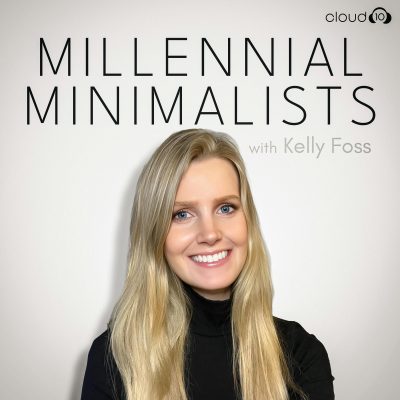
Digital Clutter with Amanda Jefferson
Notes de l’épisode
What happens when our digital spaces feel almost endless, making it easy to keep accumulating without ever stopping to ask what we actually need?
In this episode, Kelly is joined by digital organization expert and tech and productivity coach Amanda Jefferson to explore how we can simplify our digital lives and create a healthier relationship with technology.
Amanda breaks down the Big Four categories of digital clutter: emails, files, passwords and photos, and shares practical strategies to better manage each one. You’ll learn how to organize desktop files, declutter the photos on your phone, make better use of cloud storage and password managers, and discover helpful apps, shortcuts and everyday systems that can make your digital life easier to maintain.
Kelly and Amanda also discuss how digital clutter can impact our well-being and productivity, why decluttering what we already have can be more helpful than simply buying more storage, and how to make technology work for you rather than against you.
Be inspired to tackle your digital clutter and create a more organized and intentional digital life.
About Amanda and her digital decluttering services: www.indigoorganizing.com
Follow Millennial Minimalists: Instagram, Facebook, YouTube
Podcast Website & Partner Discounts: Mastersimplicity.com
Leave Kelly a Voice Note (share a question to be answered on the podcast) by clicking HERE.
Learn more about your ad choices. Visit megaphone.fm/adchoices