

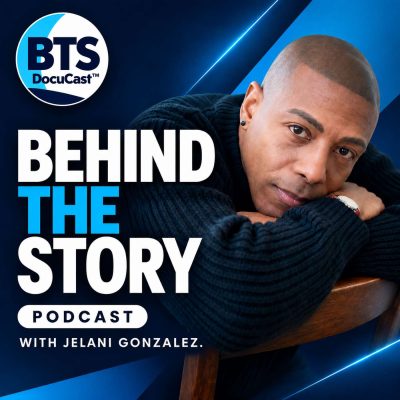
Understand Your Ballot: A Free AI Voter Guide for the Midterms
Shownotes
Staring at a seven-page ballot full of names you don't recognize? You're not alone. In this episode of Behind the Story, host Jelani Gonzalez sits down with a Los Angeles software engineer who was born in China, became a U.S. citizen, and set out to fix one of the biggest problems in American elections: most voters have no idea who the candidates really are.
Using AI to gather and summarize public records, he and a team of friends from across the political spectrum built a free, open-source site that shows what candidates have actually done: how they voted, who funded them, and what each office does, all in plain language and always linked to the original source.
In this conversation:
- Why campaign ads make it so hard to know who to trust
- How to research candidates fast, even with only 10 minutes
- What "vote power" means and why local races, like city council and school board, can matter more than the presidential race
- How AI summarizes legislation and ballot measures without making anything up
- How to see who funds a candidate (PACs, super PACs, and donors)
- Why open source matters when you're using AI around elections
- Party loyalty vs. voting your own values
- Mail-in ballots, ballot overwhelm, and what happens after the midterms
Look up your own ballot: https://electionsimplify.com
If you enjoy the show, please leave a 5-star review on Apple Podcasts. It helps more listeners find these conversations.
Behind the Story is a weekly long-form interview podcast hosted by Jelani Gonzalez. Follow @behindthestoryshow on all platforms.
Connect with Jelani
Youtube Channel
Instagram
Tik Tok