

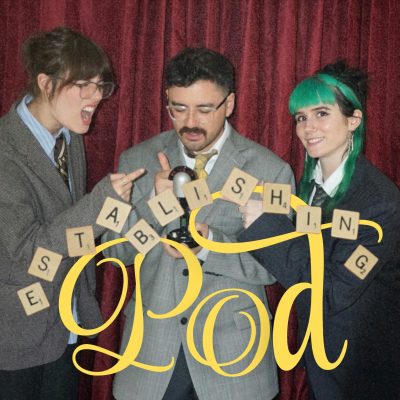
Stim City 2000 Expansion Pack | ESTABLISHING POD EP 10
Shownotes
This week on Establishing pod it's time to dive deep into Aaron, Riley and Violet's notes apps as they unleash the STIM CITY 2000 Expansion Pack: with even more bits you can steal and use to annoy your friends and family!
JOIN US WON'T YOU?:
Sing along with the new 'Theme Song' bit
Learn about their favourite childhood TV shows
and submit your dating questions for Riley to answer in the future!
___________________________________________________________
Email feedback or suggestions or love/hate emails to us at [email protected]
Buy some merch to help support the channel:
https://goodgamesmorley.dashery.com/
https://goodgamesmorley.bandcamp.com/
Find Good Games Morley on all platforms:
https://www.youtube.com/@GoodGamesMorley
https://www.tiktok.com/@goodgamesmorley
https://www.instagram.com/goodgamesmorley/?hl=en
https://www.facebook.com/goodgamesmorley/
Hosts: Aaron, Riley & Violet
Produced & Edited by Claire (Producer Pete)
Graphics & Logos by Claire & Violet
Photography by Sophie
Theme music by Joash Graham
Podcast Shorts Editing by Joash & Aaron & Claire
Full credits on Acast
https://shows.acast.com/establishing-pod-by-good-games-morley
Special thanks to the crew at Good Games Morley and Good Games North without whom none of this would be possible :)
Hosted on Acast. See acast.com/privacy for more information.
Learn more about your ad choices. Visit megaphone.fm/adchoices