

Jack’s awkward live show, opening viewer gifts & Tom’s illness
Shownotes
Jack Manifold discusses the TwitchCon live show, and TommyInnit is sick (again), and more on this week of the Shut Up I’m Talking Podcast.
↓ SUBSCRIBE TO OUR PATREON for bonus episodes, BTS & exclusive content ↓
https://www.patreon.com/c/shutupimtalking
Thanks to @danthiIl for creating the miniature SUIT set you saw in the video. Check out their awesome work below:
https://www.instagram.com/daniel9084t
https://www.youtube.com/@danthiil
And thanks to @nekosloan2206 for making the awesome clip compilation, check it out on their channel!
Jack looks back at the Shut Up I’m Talking live show at TwitchCon 2026, and reveals how it almost went very wrong following an awkward moment on stage. Also, Tom is not doing so well after catching an illness.
Tom was harassed in a park by some fans, and we look at the best viewer gift we’ve ever received, along with some more awesome things created by our Patreon community!
Jack shares more stories from Amsterdam, and Tom almost destroys the podcast set with a bottle of water.
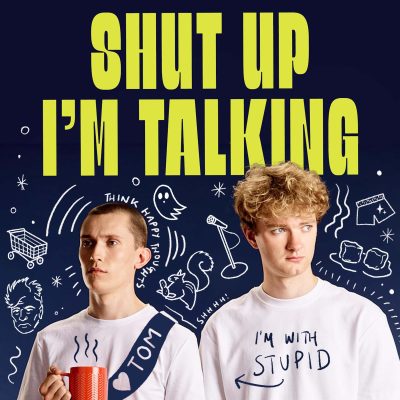
Shut Up I’m Talking is a comedy podcast featuring TommyInnit and Jack Manifold who talk about life, growing up and the wild world of being an online influencer.
Sponsorship enquiries: [email protected]
Written & presented by: Tom Simons & Jack Manifold
Creative director & executive producer: Mirren Mace
Directed by: Mirren Mace
Production manager: Tori Sheard
Production: Russell Noon
Channel manager & thumbnails: smill
Editor & sound: Owen Rogers
Camera & lighting: Hazar Ayyildiz
Set design: Mirren Mace
Social media manager: Tori Sheard
Shorts editor: Snikrep
This podcast episode was recorded on 03/06/2026
Follow us on social media:
IG: https://instagram.com/shutuplmtalking
X: https://x.com/shutup1mtalking
TikTok: https://tiktok.com/shutup1mtalking