

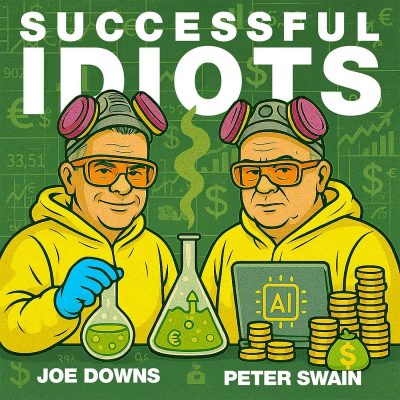
Vibe Coding for Idiots: Build an App Without Code
Shownotes
Got an app idea living rent-free in your Notes app… but no clue how to code and no spare $200,000?
This episode comes to you live from Las Vegas, where Joe Downs and Peter Swain just wrapped Russell Brunson's Funnel Hacking Live.
The big reveal is Overskill, a vibe coding tool that builds real software from a simple prompt, the same way you'd chat with ChatGPT or Claude.
Peter explains why a thoughtful spec still beats a two-hour idea, what it actually costs, and why cheap dice rolls change everything for AI side hustles.
Joe dreams up his own Airbnb alternative for his Poconos rentals.
Then Lizzie Swain's blue and pink post-it notes reveal a surprisingly simple AI automation strategy for offloading the tasks you hate.
This one is for you if you've got a "brain baby" and zero coding skills.
Listen For
3:36 What is vibe coding, and can you really build software without knowing how to code?
9:09 Why does an idea you've thought through for months beat a two-hour AI build?
13:15 Can AI help you build your own booking app so you stop paying Airbnb fees?
16:26 How much does it actually cost to build an app with an AI vibe coding tool?
24:45 What happens when you hand your most dreaded tasks to a digital employee?
Links Mentioned
Peter's Free AI Business Audit | Storagemoguls.ai | Claude | ChatGPT
Email the “Idiots” Joe and Peter
Joe Downs
Website | LinkedIn | YouTube | Email Joe:[email protected]
Peter Swain
Kapitel
Kapitel werden geladen …