

Use Cognitive Simulation Therapy at Home: Three Essential Tips / Alzheimer’s and Other Dementias
Shownotes
"While we can't reverse aging, regular mental activity — these exercises, regular cognitive engagement — helps keep cognitive skills stronger for longer. It's like exercising your body." — Dr. Daniel Fenton
What if you could make small changes and have more intentional conversations with your loved one that actively stimulate their brain? You're not doing one more thing — you're simply being more deliberate about conversations you're already having and sneaking in more benefits along the way.
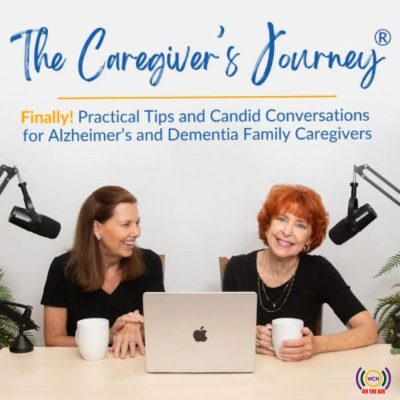
We are Sue Ryan and Nancy Treaster. As caregivers for our loved ones with Alzheimer's and other types of dementia, we understand how meaningful it is to find ways to help our loved ones function at their best for longer. We're sharing insights about cognitive stimulation therapy (CST) from Dr. Daniel Fenton, head of neuropsychological services at New Days, a virtual clinic specializing in care for people with mild cognitive impairment and early-stage dementia.
Let's explore three essential tips for bringing cognitive stimulation therapy into your everyday conversations at home.
Connect with us and share your tips:
- Website: https://thecaregiversjourney.org/
- Donate: https://give.cornerstone.cc/thecaregiversjourney
- Instagram: https://www.instagram.com/thecaregiversjourney/
- Facebook: https://www.facebook.com/thecaregiversjourneys/
- Linkedin: https://www.linkedin.com/in/suearmstrongryan/, https://www.linkedin.com/in/nancytreaster/
- Email: [email protected], [email protected]
Full Show Notes
Additional Resources Mentioned
- Support the nonprofit The Caregiver's Journey: https://give.cornerstone.cc/thecaregiversjourney
- https://www.newdays.ai/
- The Caregiver’s Journey Navigating Dementia Caregiving Roadmap: https://roadmap.thecaregiversjourney.org/ Available as an interactive page on our website that walks you through the three stages of your dementia family caregiver journey. Includes the option to download the guide for free.
Takeaways
We shared 3 tips:
Tip 1: Create A Simple Structure
Tip 2: Leverage These Types Of Activities
Tip 3: Don’t Forget To Wrap Up And Reflect
Read More in This Blog
https://thecaregiversjourney.org/60-three-tips-for-using-cognitive-stimulation-therapy-at-home/