

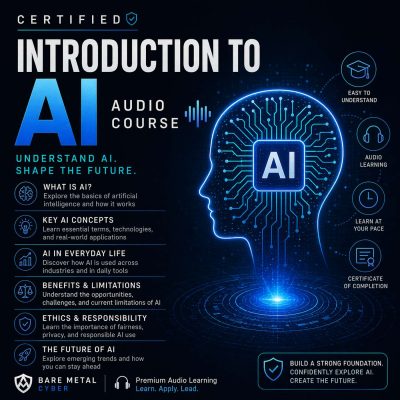
Episode 32 — AI in Everyday Life — Virtual Assistants, Smart Homes
Show notes
AI is no longer confined to labs or corporations; it lives in homes, cars, and devices people use every day. This episode introduces virtual assistants such as Siri, Alexa, and Google Assistant, which rely on natural language processing to respond to voice commands. We explore smart home hubs that connect appliances, lighting, and climate systems, making daily routines more efficient. AI in security systems analyzes camera feeds, while wearable devices monitor health and fitness in real time. These examples show how AI has moved from abstract technology into a practical companion for everyday living, often without users realizing the complexity behind the interface.
Yet convenience comes with trade-offs. Smart devices are always listening, creating serious privacy concerns, while interoperability challenges between vendors complicate integration. Dependence on AI for tasks like shopping, scheduling, or even entertainment raises questions about over-reliance and reduced human autonomy. We also discuss cultural and regional differences in adoption, where privacy norms and infrastructure shape how quickly people embrace AI-driven homes. Despite the risks, the trajectory is clear: homes and personal environments are becoming more intelligent, adaptive, and interconnected. By the end of this episode, listeners will understand the opportunities and dilemmas of everyday AI, preparing them to think critically about both the benefits and the compromises. Produced by BareMetalCyber.com, where you’ll find more cyber prepcasts, books, and information to strengthen your certification path.