

Episode 2 — Course Roadmap — How to Learn AI in Audio Form
Show notes
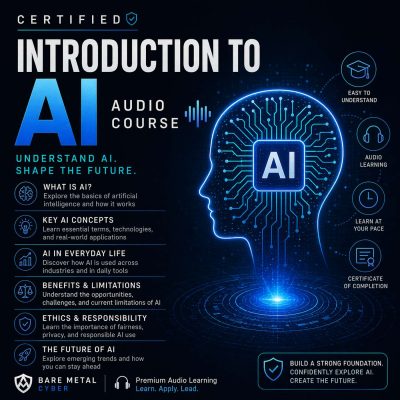
This PrepCast is designed to teach Artificial Intelligence in a way that fits into real life: no slides, no diagrams, no heavy math on the page — just clear explanations you can absorb anywhere. In this roadmap episode, we walk through the design of the series, showing how the episodes are structured so you can either listen sequentially and build a complete foundation or drop into individual topics as needed. You’ll learn why each installment follows a consistent format — introduction, two core sections, and a summary — and how repetition of key concepts and glossary deep dives will strengthen retention. Think of it as an audio curriculum that respects your time while ensuring you come away with durable understanding.
The roadmap also previews what lies ahead. You’ll move from the origins of AI to its technical foundations in algorithms, logic, and machine learning, then into applied domains like healthcare, finance, and robotics. Ethical dimensions — bias, fairness, privacy, and employment — are given their own focus, before the series closes with future directions such as Artificial General Intelligence, quantum computing, and AI-driven creativity. Whether you’re a student, a career changer, or a professional seeking context, this PrepCast is built to meet you where you are and take you further. This orientation ensures you’ll know what to expect and how to get the most out of the journey. Produced by BareMetalCyber.com, where you’ll find more cyber prepcasts, books, and information to strengthen your certification path.