

Episode 1 — Welcome & How to Use This PrepCast
Show notes
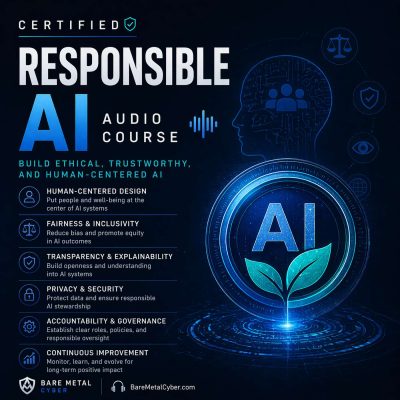
This opening episode introduces the structure and intent of the Responsible AI PrepCast. Unlike certification-focused courses, this series is designed as a practice-oriented learning path for professionals, students, and decision-makers seeking to embed responsible AI into real-world settings. The content emphasizes accessible explanations, plain-language examples, and structured coverage of governance, risk management, fairness, safety, and cultural adoption. Learners are guided on how episodes progress from foundational concepts to sector-specific applications, concluding with organizational integration strategies. The course format supports both newcomers to the field and those with technical expertise, ensuring clarity without assuming prior specialist knowledge.
Beyond outlining the journey ahead, this episode provides practical advice on pacing and use of optional tools. Listeners are encouraged to track lessons through checklists, create risk logs to capture emerging concerns, and experiment with model or system cards as lightweight documentation practices. Suggestions are offered for applying material individually or in team settings, turning each episode into a prompt for reflection and discussion. The goal is to cultivate habits that extend beyond passive listening, enabling learners to transform principles into sustainable organizational routines. Produced by BareMetalCyber.com, where you’ll find more cyber audio courses, books, and information to strengthen your certification path.