

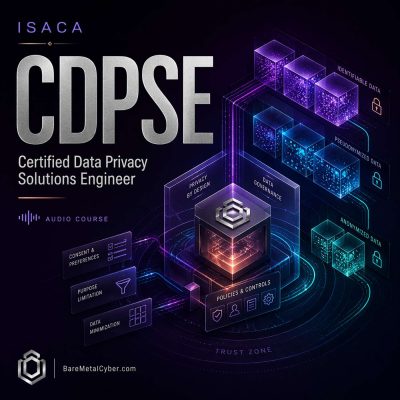
Episode 70 — Essential Terms: Plain-Language Glossary for Fast CDPSE Recall (Domains 1–4)
Show notes
This episode delivers a plain-language glossary of essential CDPSE terms, focusing on definitions you can apply immediately to scenario questions instead of memorizing formal phrasing. You’ll reinforce the vocabulary that drives correct choices, including how to talk about personal information, lawful bases and consent concepts, risk and assessment language, lifecycle controls like minimization and retention, and technology terms like tokenization, anonymization, encryption, and logging practices. We’ll connect each term to the kind of decision the exam expects, such as selecting evidence, identifying the next best action, or recognizing which control actually reduces exposure in a system. You’ll also learn how to avoid confusion when organizations use different labels for the same concept, by anchoring your understanding to outcomes, accountability, and enforceability. Produced by BareMetalCyber.com, where you’ll find more cyber audio courses, books, and information to strengthen your educational path. Also, if you want to stay up to date with the latest news, visit DailyCyber.News for a newsletter you can use, and a daily podcast you can commute with.