

72. Adagio vs. Presto: A Musical Tempo Adventure
Show notes
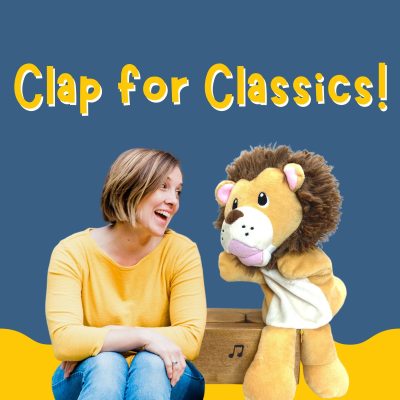
Ready to slow down and explore music in a whole new way? Join Ms. Elizabeth, Forte the Lion, and our very slow (but very sweet!) friend Adagio the Tortoise as we learn about tempo — how music can be slow like adagio or super fast like presto! With playful characters, guided movement, original songs, and a silly musical game, this episode will help your child feel the speed of music in their body and their imagination.
🎧 What We’ll Do in This Episode:
– Meet Adagio the Tortoise and learn what “adagio” means
– Discover the difference between slow (adagio) and fast (presto) tempo
– Listen to music from Carnival of the Animals and move like a tortoise
– Sing an original “Tortoise Tip-Toe” song and play a silly, sneaky music game
This episode features music from “The Tortoise” and "Wild Donkey" from Carnival of the Animals by Camille Saint-Saëns.
🎉 Try All Our Music Courses for Just $1! Start a 7-day trial and get instant access to 19 joyful, engaging music courses designed for kids ages 0–8. 👉 Click here to start your trial for just $1
🎵 Explore More from Clap for Classics! All Access Membership Unlimited access to 19+ music courses, printables, and resources designed for kids ages 0–8.
👉 www.clapforclassics.com/join
The Four Seasons Curriculum Explore Vivaldi’s Four Seasons with music, movement, art, and nature-themed lessons.
👉 www.clapforclassics.com/fourseasons
Submit a Joke for the Show! Does your child have a great joke to share? We’d love to feature it in a future episode!
👉 www.speakpipe.com/ClapforClassics
The classical music in this episode is licensed for use through Classical.com, a fantastic resource for high-quality recordings.
Thank you for listening and making music with us! If you enjoyed this episode, please leave a ⭐️⭐️⭐️⭐️⭐️ review in your favorite podcast app so more families can find us!