

Episode 11 — How to Read a SOC 2 Report
Show notes
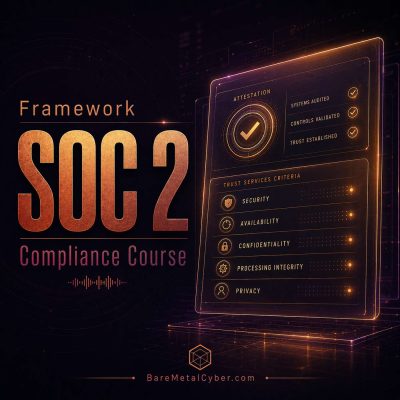
Interpreting a SOC 2 report requires understanding its structure and purpose. Each report includes an auditor’s opinion, system description, control testing results, and management assertions. The opinion letter clarifies whether controls were suitably designed and operated effectively during the review period. A clean, or “unqualified,” opinion indicates that no material exceptions were found, while “qualified” or “adverse” opinions highlight deficiencies. The report also distinguishes between Type I and Type II evaluations, so professionals must know which type they are reviewing. Reading the report critically means connecting each finding to its relevant Trust Services Criteria and understanding how exceptions impact the assurance level.
In real-world practice, customers, auditors, and procurement teams rely on these reports to validate vendor reliability. Candidates should know how to evaluate the coverage period, scope boundaries, and subservice carve-outs before drawing conclusions. Reviewing test results for sampling, exceptions, or remediation evidence reveals whether an organization maintains effective operational discipline. SOC 2 reports are not meant to disclose vulnerabilities but to attest to control maturity, and understanding their language—especially the difference between design, operation, and evidence sufficiency—is essential for interpreting compliance strength accurately. Produced by BareMetalCyber.com, where you’ll find more cyber audio courses, books, and information to strengthen your educational path. Also, if you want to stay up to date with the latest news, visit DailyCyber.News for a newsletter you can use, and a daily podcast you can commute with.