

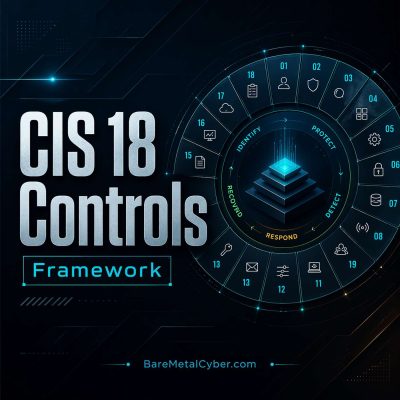
Episode 24 — Safeguard 5.1 – Inventory of accounts
Show notes
Safeguard 5.1 requires organizations to maintain a comprehensive, accurate inventory of all accounts managed within the enterprise, covering user, administrator, and service identities. Each entry in the inventory should document key details such as the account holder’s name, role, department, creation date, and status. This visibility enables quick identification of unauthorized or dormant accounts that may provide unmonitored access paths for attackers. Regular validation—ideally quarterly—ensures that only legitimate users retain active credentials. The safeguard also calls for linking every account to a verified owner, creating accountability across departments and systems. Without this level of tracking, security teams risk leaving behind orphaned accounts after role changes or employee departures, which attackers can easily exploit.
To implement this safeguard effectively, automation and integration are essential. Centralized identity directories can synchronize account information across systems, reducing inconsistencies. Automated tools should compare account inventories with human resource records to flag discrepancies, such as active accounts belonging to former employees. Reports highlighting inactive or duplicate accounts help security teams prioritize remediation. Assigning each account an ownership and review schedule institutionalizes oversight and compliance. This visibility also improves incident response—when suspicious activity arises, teams can trace the responsible identity quickly. Beyond detection, the inventory serves as a foundation for enforcing password policies, access reviews, and authentication standards across the organization. By transforming account data into an actionable security asset, enterprises gain continuous assurance that access to systems and data is controlled, monitored, and traceable from creation to retirement.
Produced by BareMetalCyber.com, where you’ll find more cyber audio courses, books, and information to strengthen your educational path. Also, if you want to stay up to date with the latest news, visit DailyCyber.News for a newsletter you can use, and a daily podcast you can commute with.
All episodes of Framework: The Center for Internet Security (CIS) Top 18 Controls