

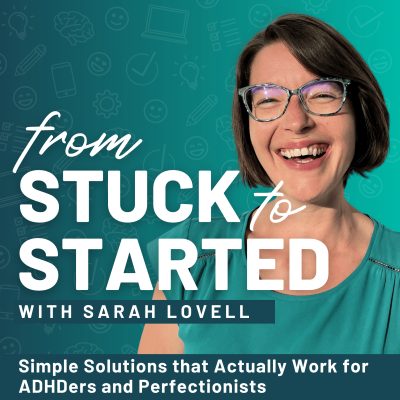
090: Why It's So Hard To Stop Doomscrolling & The First Step To Have A Healthier Relationship With Your Phone
Show notes
If you’ve ever picked up your phone to respond to a text or Google something quick, but accidentally found yourself down an unintentional doomscroll rabbit hole… or found yourself paralyzed, mindlessly scrolling while simultaneously telling yourself “you should stop” but feeling incapable of putting the phone down — this episode is for you.
If you want to be more mindful of how you use your phone and you’ve tried to break the habit of doomscrolling but keep going back — you’re not alone.
Today we’re digging into why it’s so hard to stop doomscrolling — especially for ADHD brains — and what’s actually happening beneath that autopilot urge to reach for your phone.
What you’ll learn in this episode:
- The role of anxiety, uncertainty, and emotional dysregulation in keeping you stuck scrolling
- The hidden cues and triggers that send you reaching for your phone without realizing it
- What your brain is actually looking for when you scroll
- The first steps toward building a healthier, more intentional relationship with your phone so you can stop doomscrolling
Host: Sarah Lovell, Executive Function & ADHD Coach
Resources Mentioned:
- Episode 9: How to Set Goals that Stick
- Get your Free ADHD Action Plan
My favorite tools to be more mindful:
- Brick (get 10% off Brick with this link!)
- Freedom
Connect with Sarah Lovell:
- Website: Executive Functioning First
- Instagram: @executivefunctioningfirst
Music by: AudioCoffee, Inspirational Background
I use affiliate links for my fave products that I use and trust. If you click and purchase, I may receive a small commission at no extra cost to you.
All episodes of From Stuck to Started: Executive Function & ADHD Coaching to Take Action