

When Tools Make Bad Audio Sound ‘Good’, Who Loses?
Show notes
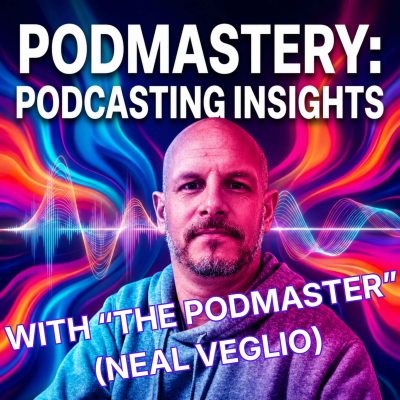
A lot of people are excited about AI tools that promise instant, studio-quality podcast audio. Record on your phone. Click a button. Sound professional. But that story deserves a closer look. Hi, I'm Neal Veglio, founder of Podknows Podcasting and the Podmastery community. In this episode of Podcasting Insights, I unpack what happens when technology starts erasing the difference between effort and outcome — and ask what podcasting quietly loses when “good sound” becomes a default instead of a craft. This isn’t an anti-AI rant. And it’s not about gatekeeping beginners. It’s about incentives. Standards. And what we’re rewarding at scale. You’ll learn: • Why AI audio tools raise standards and lower effort at the same time • How one-click fixes create a podcasting “house sound” • The difference between accessibility and erasing craft • Why effort still matters, even when listeners can’t hear it • The question creators should be asking before relying on AI cleanup Links: Waves Voice Regen: https://www.waves.com/voice-regen I’d love YOUR feedback: https://www.podmastery.co/survey I’ve been doing this for 20+ years and run a successful podcast marketing agency. Want me to audit your podcast? https://podmastery.co/lite Podmastery goodies you can grab:
Stuck on something specific? Get your next podcasting challenge solved one-to-one at podmastery.co Got your own opinion and want to share? Great! I love hearing from you. Here's where to do it - https://podmastery.co/get-in-touch/
- Treat yourself to a PodmasteryPodcast Audit
- Founding member doors for thePodmasteryPodcast Communityopen soon
- Free 7-day podcast makeover email course — one tip per day, no filler.Sign up at podmastery.co
- Everything else:podmastery.co
Stuck on something specific? Get your next podcasting challenge solved one-to-one at podmastery.co Got your own opinion and want to share? Great! I love hearing from you. Here's where to do it - https://podmastery.co/get-in-touch/
All episodes of Podmastery: podcasting insights and advice for indie creators