

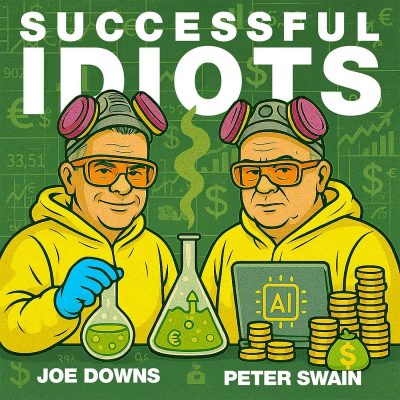
Your Business Needs an AI Board of Advisors
Show notes
Ever made a decision that seemed totally solid... until you were already living inside the disaster?
Joe Downs sure has… like that investor webinar where the Zoom link didn't work, there was a passcode nobody got, and the whole thing nearly went sideways five minutes before go-time. Classic.
Joe and Peter Swain make the case that almost every part of your life, not just your business, has blind spots baked right in.
The fix?
Building AI-powered "synthetic boards" of advisors who are actually allowed to disagree with you.
From surviving bias to building a live board for Joe's self-storage platform Storage Moguls, this episode is a hands-on guide to using AI workflows to get better decisions out of your solopreneur brain.
If you keep second-guessing yourself, or worse, not second-guessing yourself, this one's for you.
Listen For
3:30 What is a virtual AI advisory board — and who is it actually built for?
7:04 Why does your brain give you the first answer instead of the best one — and what can you do about it?
12:07 What are the two custom Claude instructions Peter uses in every AI tool that changed how he works?
19:20 Before you pick a single name for your board, what does Peter say you need to define first?
41:18 How do you build a live AI advisory board for a real business — and how fast can it actually happen?
Links Mentioned
Peter's Free AI Business Audit | Storagemoguls.ai
Email the “Idiots” Joe and Peter
Joe Downs
Website | LinkedIn | YouTube | Email Joe:[email protected]
Peter Swain
Chapters
Loading chapters …