

"Hey Claude, How Do I Start My Business?"
Show notes
Have you got an idea sitting in your Notes app right now, something you've been meaning to "get to" for months? Maybe years?
This conversation hits exactly where it hurts.
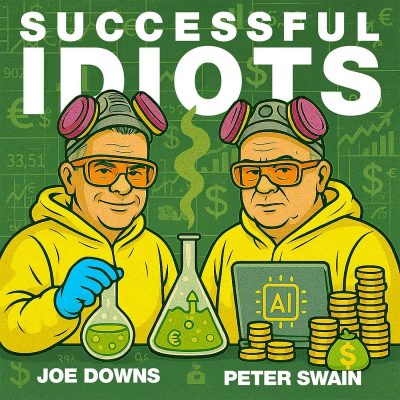
Joe Downs and Peter Swain get into why waiting isn't free… it's costing you real money, real time, and real regret …and how AI tools like Claude and ChatGPT can help you figure out your first step, validate your idea for nearly zero dollars, and even build a virtual board of advisors to replace the people in your life who will definitely try to talk you out of it.
Peter drops a prompt so good you'll pause the episode to try it, the "Jimmy prompt", that simulates a debate between Elon Musk, Steve Jobs, Warren Buffett, and Gandhi to find your zero-risk starting move.
This episode is for the entrepreneur-in-waiting who just needs someone to say: the first step is cheaper than you think.
Listen For:
03:59 How can you use AI to actually quantify the dollar cost of sitting on your idea?
10:29 What are the two financial levers every potential side hustle needs to pull before launch?
13:20 How do you validate a business idea for near-zero dollars — like the smoothie test?
28:45 Can AI replace the fear that's keeping you off the couch and into your first step?
44:40 What is the exact AI prompt that assembles a debate team of legends to find your zero-risk first move?
Links Mentioned
Peter's Free AI Business Audit | Storagemoguls.ai | Claude | ChatGPT
Email the “Idiots” Joe and Peter
Joe Downs
Website | LinkedIn | YouTube | Email Joe:[email protected]
Peter Swain
Chapters
Loading chapters …