

Exploring WordPress Block Themes, AI, and the Future of Site Creation
Show notes
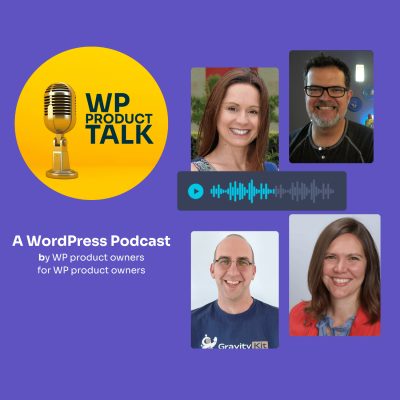
WordPress site creation is evolving fast, with block themes, AI tools, and new approaches to design changing how developers, designers, and agencies build websites. On November 11 at noon Eastern, Brian Gardner joins WP Product Talk, alongside co-hosts Matt Cromwell and Katie Keith, to share his latest explorations across the WordPress ecosystem, from themes like Suede, Ollie, and Miles to the growing possibilities of large language models (LLMs).
What do these emerging tools mean for the future of WordPress site creation? We’ll explore the opportunities, experiments, and practical implications of block themes and AI-powered workflows, looking at how these developments could reshape the way websites are designed and built. Whether you’re a developer, designer, or agency owner, join us for a conversation about what’s changing and what might come next.
Key takeaways- Clear design rules help AI build polished websites:
AI tools need specific guidelines for spacing, typography, and color palettes to generate clean, professional layouts. - Themes provide a steady visual foundation:
A lightweight theme sets standard styles that prevent unexpected design glitches during site updates. - The Abilities API creates a single language for AI in WordPress:
This standardized system gives AI assistants a safe, consistent way to communicate with WordPress plugins and adjust site settings. - Open source code gives AI better training material:
Because WordPress documentation and code are publicly accessible, AI models write cleaner and more accurate WordPress code. - Block themes simplify client handoffs:
The visual block editor allows site owners to update text and replace images directly on their pages without writing code. - Short practice sessions help creators learn new tools:
Setting aside twenty to thirty minutes each week gives site builders time to test new software at a comfortable pace.