
About the station
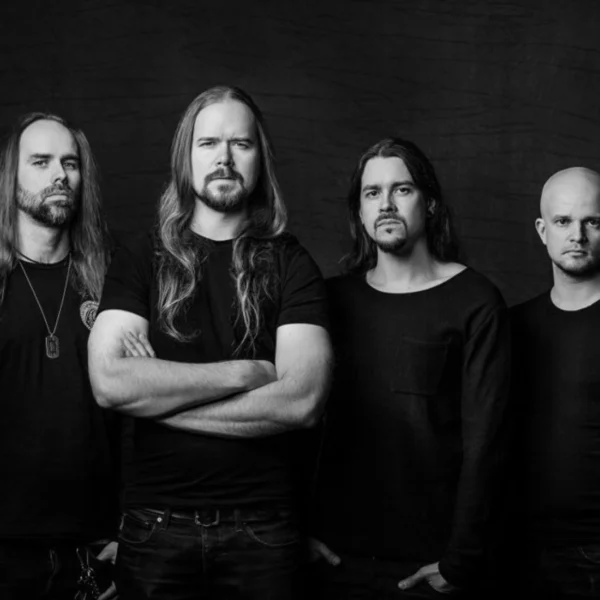
Under the umbrella of the laut.fm platform, Insomnium Radio focuses on a dedicated niche within the metal genre. The station devotes its programming primarily to Melodic Death Metal, with a clear emphasis on atmospheric soundscapes shaped by Scandinavian influences. The Finnish band Insomnium, which is namesake and a recurring part of the rotation, plays a major role in shaping the station’s musical foundation. Alongside this core, the programme profile includes complementary styles such as Doom Metal and Progressive Metal, underlining the dark, melancholic direction of the offering.
In the daily rotation, alongside the aforementioned focal points, artists such as Amorphis, Dark Tranquillity, Wolfheart and In Mourning regularly appear. The programme largely dispenses with moderated formats and instead focuses on a continuous music stream under the title Rotation. Listeners can access the offering via various digital channels, including the laut.fm web player, mobile apps for iOS and Android, and specialised aggregator services such as radio.de or phonostar. The technical infrastructure also enables integration into smart home environments such as Amazon Alexa.
AI-generated description
How to listen to laut.fm - Insomnium Radio
- In your browser Right here with the play button – free and without signing up.
- With the app In SoundNode for Android and iPhone, with favourites and alarm clock.
- On your TV In SoundNode for Fire TV and Android TV.
- In the car Via Android Auto with the SoundNode app.
- On a speaker With Chromecast: tap “Cast” in the player.
- Based in
- Germany
Similar stations








Most played artists
- In Mourning played 1×