

About the station
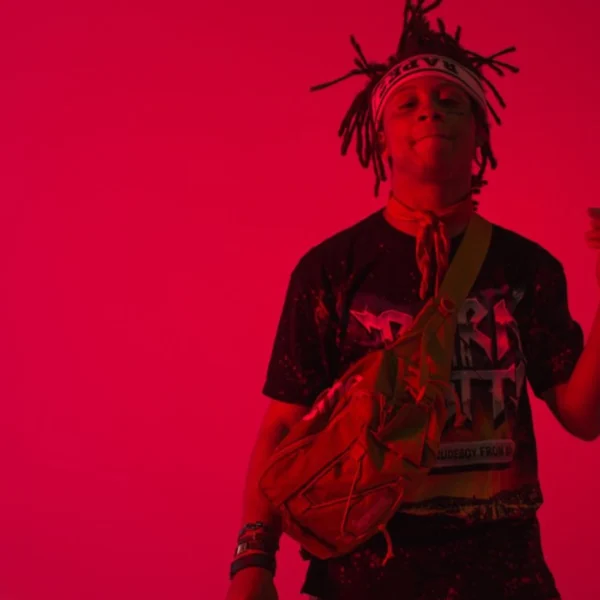
The internet radio channel Trippie Redd Radio revolves musically around the atmospheric intersection of emo rap, cloud rap and melodic trap. The rotation is largely determined by the namesake US rapper Trippie Redd, whose sound is characterized by distorted Auto-Tune effects and emotional undertones. The music selection specifically expands this spectrum to include similar styles and artists. Alongside tracks by the namesake, the programme frequently features contributions from musicians such as Lil Uzi Vert, Lil Tecca, XXXTENTACION, Lil Skies as well as Ski Mask The Slump God and Lil Pump.
The station, operated via the platform laut.fm, foregoes classic moderated shows and instead focuses on a continuous sequence of tracks, which are grouped into broadcast blocks such as the so-called Rotation. Listeners can receive the stream via common web players, various streaming directories such as radio.de or phonostar, and via the dedicated Alexa skill. The offering is thus aimed at fans of the modern US American rap underground who seek seamless access to tracks that reflect the current zeitgeist of the melodic, often dark trap sound.
AI-generated description
How to listen to laut.fm - Trippie Redd Radio
- In your browser Right here with the play button – free and without signing up.
- With the app In SoundNode for Android and iPhone, with favourites and alarm clock.
- On your TV In SoundNode for Fire TV and Android TV.
- In the car Via Android Auto with the SoundNode app.
- On a speaker With Chromecast: tap “Cast” in the player.
- Based in
- Germany
Station information
- Based in
- North Rhine-Westphalia
Similar stations







Most played artists
- Pocket Rocket played 1×