About the station
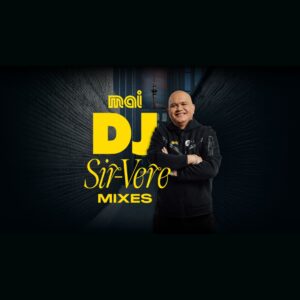
The station belongs to the Mai FM brand of MediaWorks and is based in New Zealand, with a connection to the Auckland region. It targets Hip-Hop and R&B. According to the website itself, it is the home of the Mai Morning Crew and the show Mai Home Run. Mai FM itself describes its Hip-Hop and R&B offering as „NZ’s hottest Hip-Hop & RnB“, a self-description of the station.
On the Mai FM website, a live show in the Hip-Hop and R&B genre runs under the title The Hottest Hip Hop and RnB, listed there as a Mai programme. Alongside the livestream, the interface offers links to playlists, podcasts and videos from the station’s environment.
The station is thus clearly focused on urban music. It combines the music with presenter commentary and community content around the Mai brand.
AI-generated description
How to listen to Mai Hot 1000 Replay
- In your browser Right here with the play button – free and without signing up.
- With the app In SoundNode for Android and iPhone, with favourites and alarm clock.
- On your TV In SoundNode for Fire TV and Android TV.
- In the car Via Android Auto with the SoundNode app.
- On a speaker With Chromecast: tap “Cast” in the player.
- Based in
- New Zealand
- Operator
- MediaWorks
Station information
- Broadcasting group
- MediaWorks
- Frequency
- Online (rova)
- Region
- Auckland