About the station
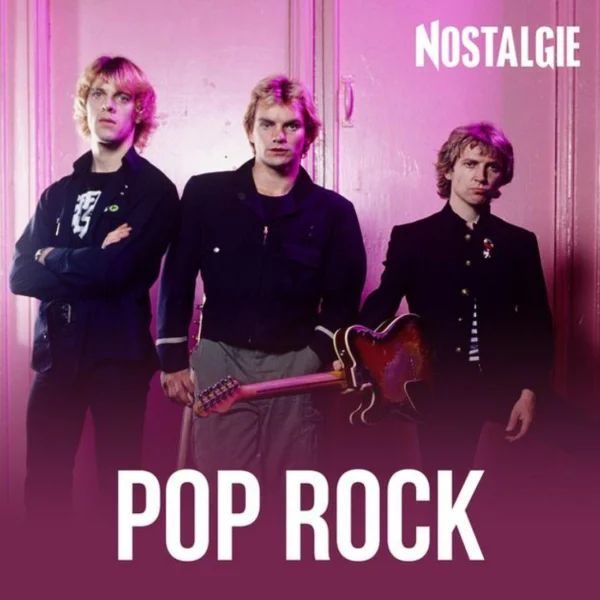
Nostalgie Pop Rock is a French web radio channel from the offering of the station Nostalgie, which belongs to the NRJ Group. It can be received free of charge and live on the Internet. The station itself advertises with the promise of playing all the hits of the 1980s. The focus is on rock and pop tracks from this era, including titles by The Police or Billy Idol, which appear in the track lists on the website.
On the website, the channel is categorized under Pop Rock, which includes sections such as Tubes Français and Tubes du Monde. As a result, French repertoire from the same era is played alongside English-language songs. Within the Nostalgie network, additional channels such as Nostalgie 80 or Nostalgie 60 70 complement the range, allowing listeners to switch between individual decades and styles.
AI-generated description
How to listen to NOSTALGIE POP ROCK
- In your browser Right here with the play button – free and without signing up.
- With the app In SoundNode for Android and iPhone, with favourites and alarm clock.
- On your TV In SoundNode for Fire TV and Android TV.
- In the car Via Android Auto with the SoundNode app.
- On a speaker With Chromecast: tap “Cast” in the player.
- Based in
- France