

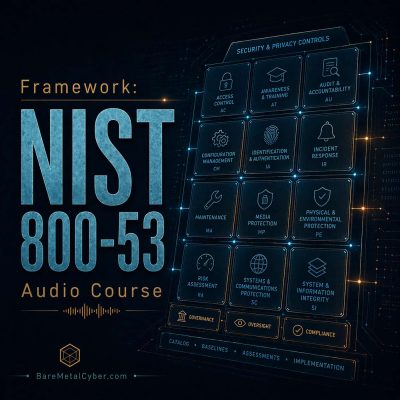
Episode 123 — Spotlight: Software, Firmware, and Information Integrity (SI-7)
Show notes
Software, Firmware, and Information Integrity (SI-7) ensures that system components and data remain trustworthy throughout their lifecycle. For the exam, understand that SI-7 requires mechanisms to detect unauthorized changes, corruption, or tampering in code and stored information. Integrity checks include digital signatures, cryptographic hashes, and validation at load time or execution. The control also covers protection of system images, software updates, and configuration baselines, verifying they originate from trusted sources. Its purpose is to maintain confidence that systems behave as intended and have not been altered by unauthorized actors or processes.
Operationally, SI-7 is achieved through automated integrity verification—such as file integrity monitoring, signed software distribution, and secure boot. Organizations store reference hashes in protected databases, and comparison results trigger alerts or quarantines when discrepancies appear. Firmware and software updates are validated via signed packages, while repositories enforce multi-person approval for changes. Evidence includes integrity verification logs, signed update manifests, and alert review records. Metrics like detection rate of integrity violations, time to verify baseline changes, and number of unauthorized modifications detected measure effectiveness. Pitfalls include unchecked third-party updates, weak validation coverage, and neglecting integrity checks for configuration files. Mastering SI-7 demonstrates control over both the authenticity and reliability of critical software and data assets.
Produced by BareMetalCyber.com, where you’ll find more cyber audio courses, books, and information to strengthen your educational path. Also, if you want to stay up to date with the latest news, visit DailyCyber.News for a newsletter you can use, and a daily podcast you can commute with.