

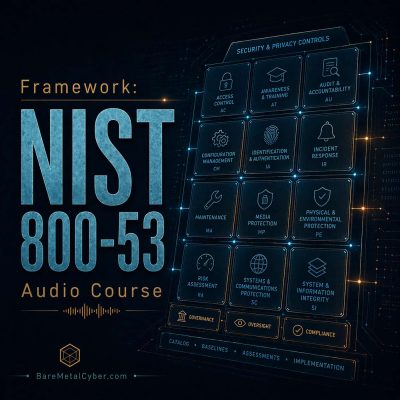
Episode 122 — Spotlight: System Monitoring (SI-4)
Show notes
System Monitoring (SI-4) provides the visibility necessary to detect, analyze, and respond to security-relevant events across networks and systems. For exam readiness, understand that SI-4 expands on the audit controls by defining how real-time detection, alerting, and analysis occur. It requires continuous observation of key metrics, anomaly detection, and integration with incident response. The objective is to establish a measurable, proactive capability that identifies attacks, misconfigurations, or policy violations before they become incidents. SI-4 ensures that detection coverage is defined, monitored, and constantly tuned against false positives and blind spots.
Operationally, SI-4 is implemented through layered monitoring—network intrusion detection, endpoint telemetry, and log aggregation into a Security Information and Event Management (SIEM) system or Security Operations Center (SOC). Correlation rules and analytics identify suspicious behavior, while dashboards track coverage and sensor health. Evidence includes system event maps, tuning records, alert workflows, and investigation tickets. Metrics such as detection-to-alert time, false-positive ratio, analyst workload, and percentage of coverage across assets demonstrate control maturity. Common pitfalls include sensor sprawl without correlation, unpatched monitoring tools, or alerts ignored due to fatigue. Effective SI-4 transforms detection into continuous assurance, ensuring visibility becomes a controllable, measurable aspect of operational security.
Produced by BareMetalCyber.com, where you’ll find more cyber audio courses, books, and information to strengthen your educational path. Also, if you want to stay up to date with the latest news, visit DailyCyber.News for a newsletter you can use, and a daily podcast you can commute with.