About the station
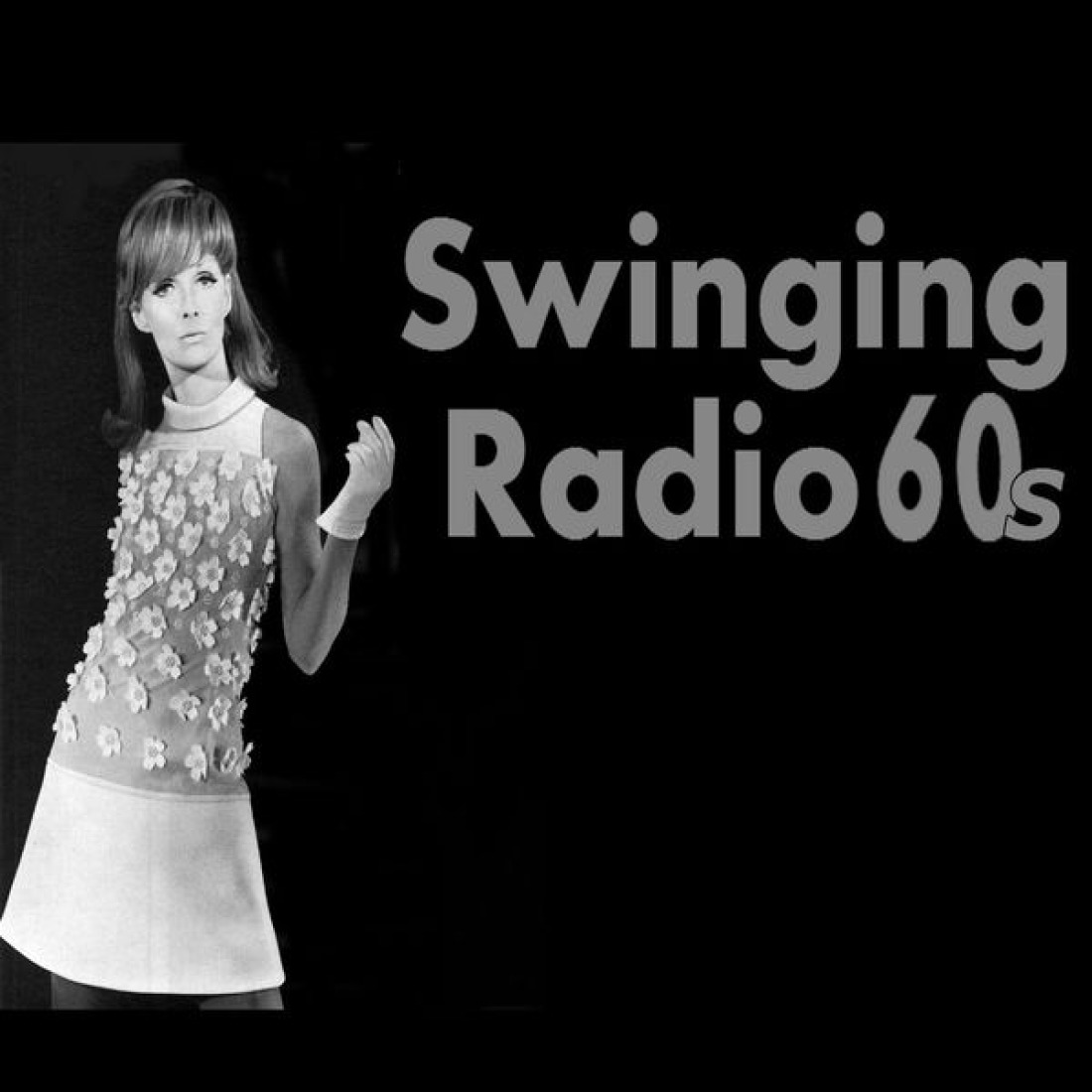
Swinging Radio 60s broadcasts from Havant in the English county of Hampshire and, by its own account, is devoted entirely to the 1960s. The focus is on the music of that decade, framed by memories from the era. The programme is presented by a team of disc jockeys who, as the station describes itself, are dedicated to the “best of the 1960s”.
The station can be received as a livestream over the internet, which starts directly from the station’s website. The station itself also offers connections to smart speakers. According to the station, its operation is supported by Angel Radio, which provides financial backing; in addition, Swinging Radio 60s asks for donations to keep the broadcasts going.
The offering is clearly geared towards retro pop and the period between beat, soul and early rock. Anyone who wants to hear British music from the sixties will find a station with a clear focus here.
AI-generated description
How to listen to Swinging Radio 60s
- In your browser Right here with the play button – free and without signing up.
- With the app In SoundNode for Android and iPhone, with favourites and alarm clock.
- On your TV In SoundNode for Fire TV and Android TV.
- In the car Via Android Auto with the SoundNode app.
- On a speaker With Chromecast: tap “Cast” in the player.
- Based in
- United Kingdom