


































































































About SoundNode
Listen to online radio with SoundNode
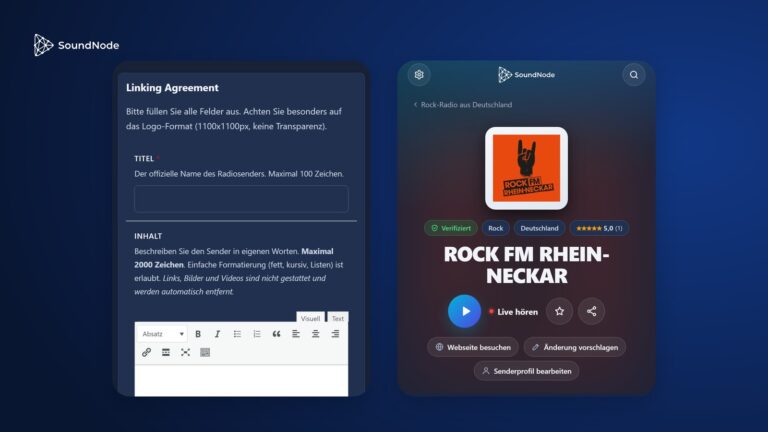
SoundNode brings radio stations and podcasts from around the world together in one place – free and without sign-up, in the browser and in the app. Choose a station, press play, listen.
27,800
Radio stations
131
Countries
31,500
Podcasts
48
Genres
Radio from around the world
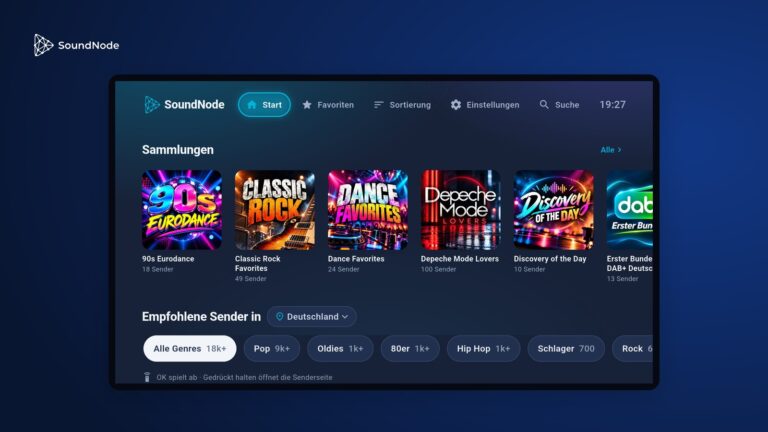
From the local station around the corner to the big stations from Berlin, London and New York – sorted by country, genre and popularity.
Discover new stations
Every station comes with similar stations, and collections bundle moods and decades. Search also finds stations via the artists that play there.
Podcasts included
News, knowledge, comedy or true crime: thousands of podcasts with the latest episodes, straight from the provider's feed.
On all devices
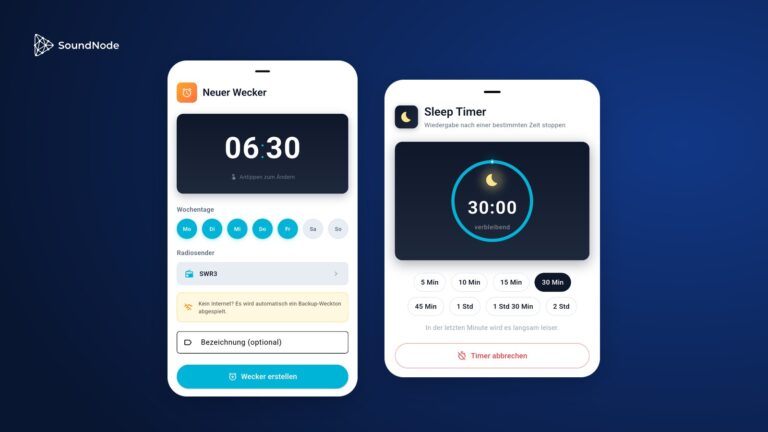
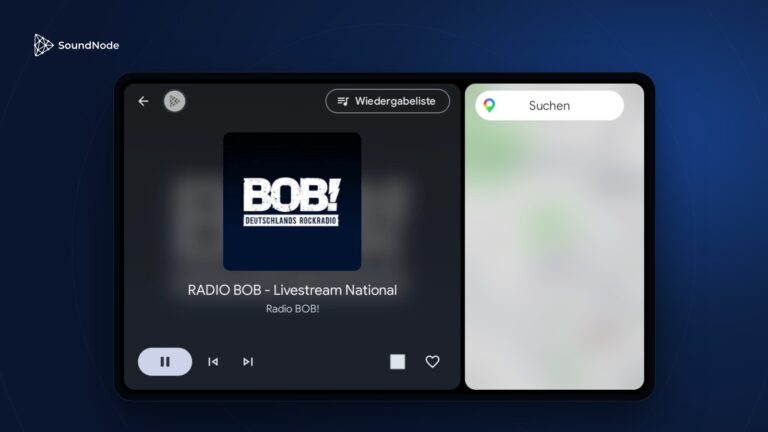
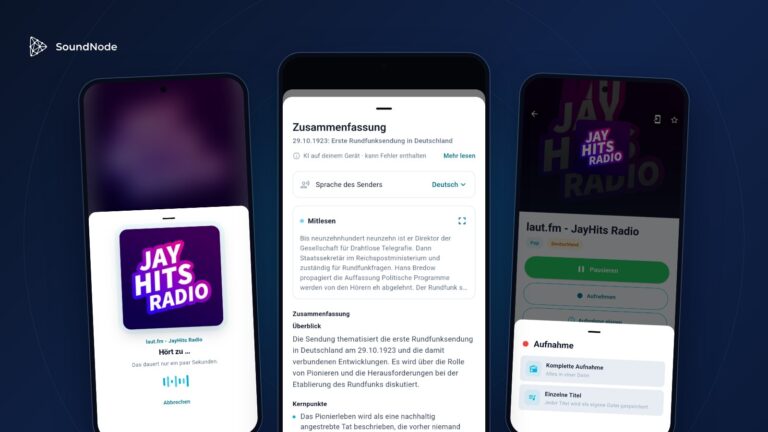
The free app is available for Android, iPhone, Fire TV and Android TV. With a sign-in, your favourites are the same everywhere.
Stream Internet Radio for Free
You need neither an account nor an installation for SoundNode: the website runs on any device with a browser, and the player keeps playing while you click through the pages. The streams come directly from the stations – one click and you're live.
A lean alternative to TuneIn and radio.de
SoundNode bundles stations from many directories into one fast, tidy interface. We merge duplicate entries, check streams regularly and replace failed ones automatically where possible – so your favourite station will still be playing tomorrow.